
UIS Directory Structure Overview
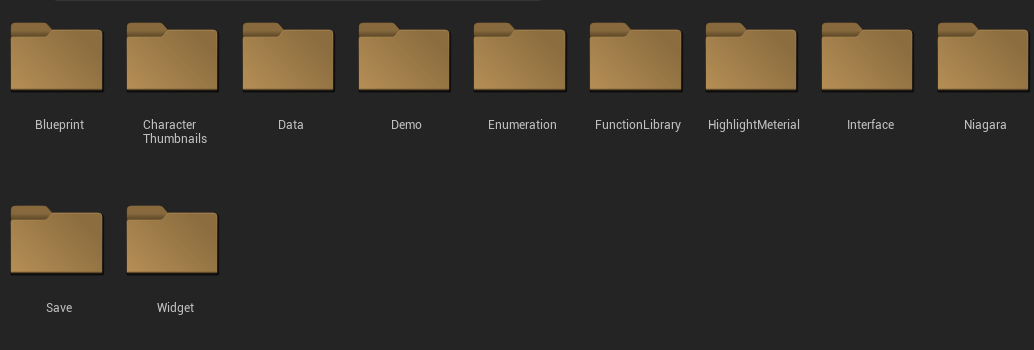
1. Blueprint
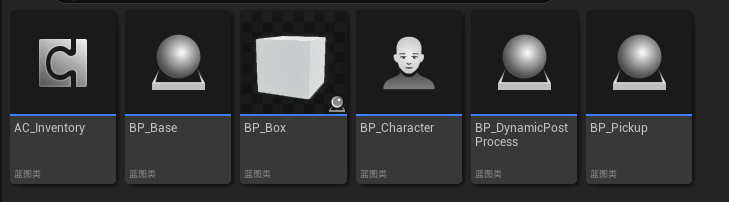
1. AC_Inventory - Core component
2. BP_Base - The base class for all equippable actors; all equipment inherits from this class.
3. BP_Box - The base class for boxes.
4. BP_Character - To quickly integrate UIS, inherit your character's parent class from BP_Character.
5. BP_DynamicPostProcess - A dynamic post-process used to highlight items.
6. BP_Pickup - Used to generate items that can be picked up.
2. CharacterThumbnails
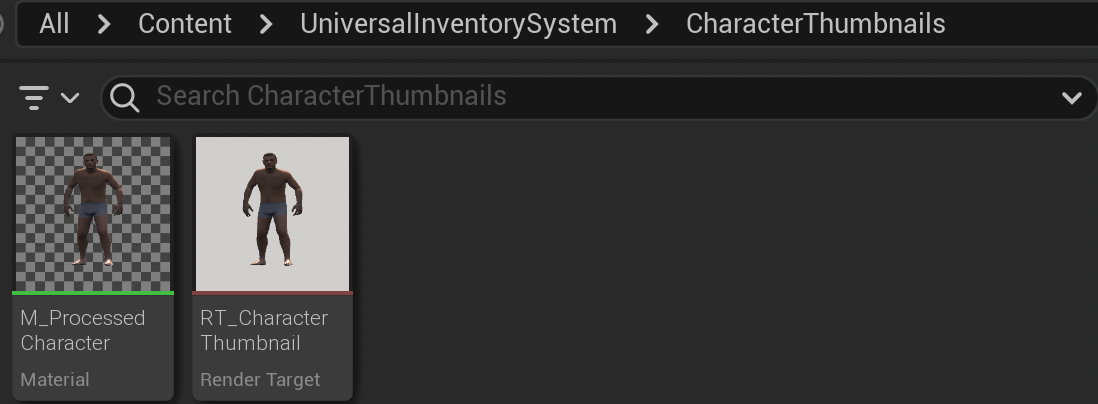
1. CharacterThumbnails - Character thumbnails, used for rendering the character on the left side.
3. Data

1. Data - The location for data storage.
- **DT_Inventory** is the data table for items, defining basic attributes of items. The rest are various data structures.
4. Demo
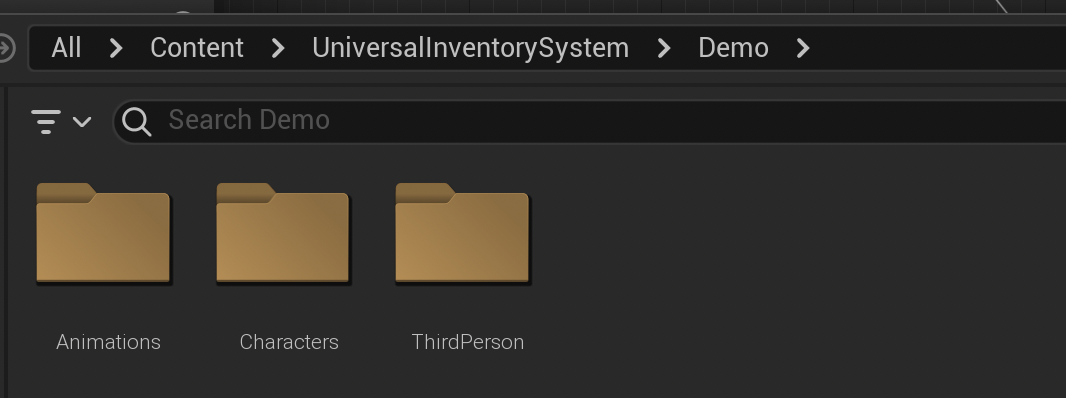
1. Demo - The demonstration area; the demo map is located in Map/Demo.
5. Enumeration
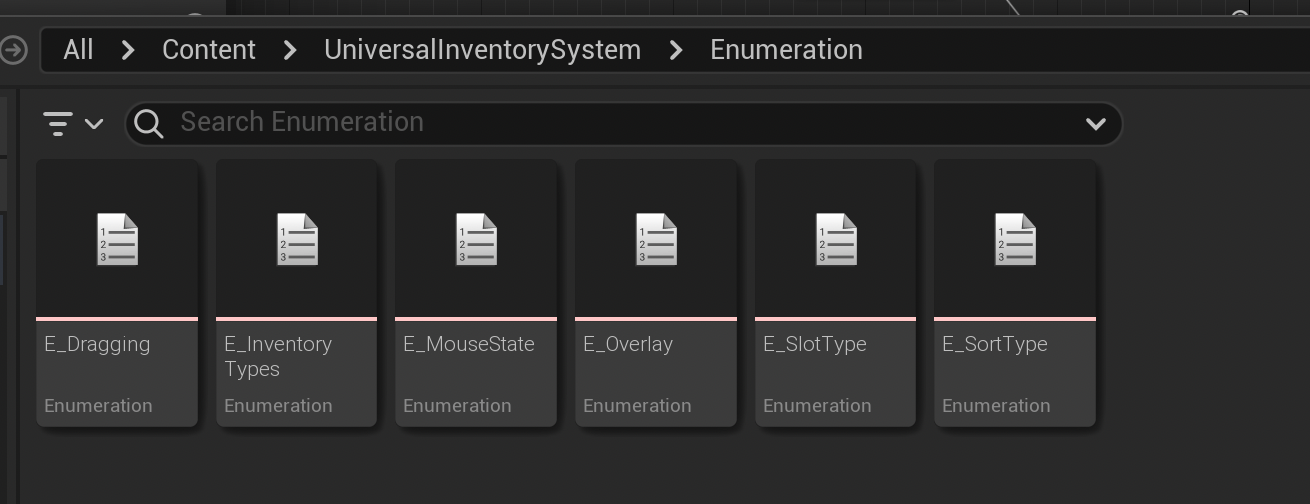
1. Enumeration - Contains enumeration types, with E_Overlay used for switching character animations.
6. FunctionLibrary

1. FunctionLibrary - A library of reusable functions.
7. HighlightMaterial
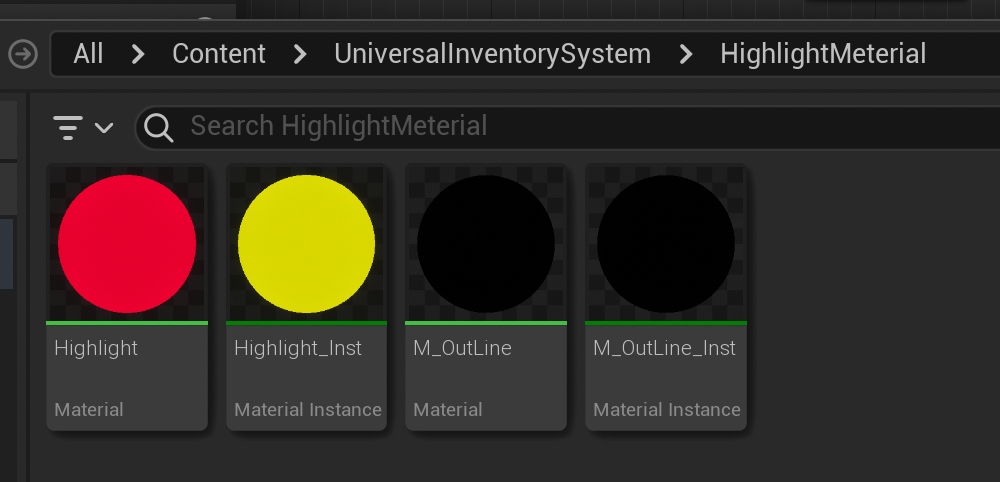
1. HighlightMaterial - Highlight material, used in conjunction with dynamic post-processes.
8. Interface
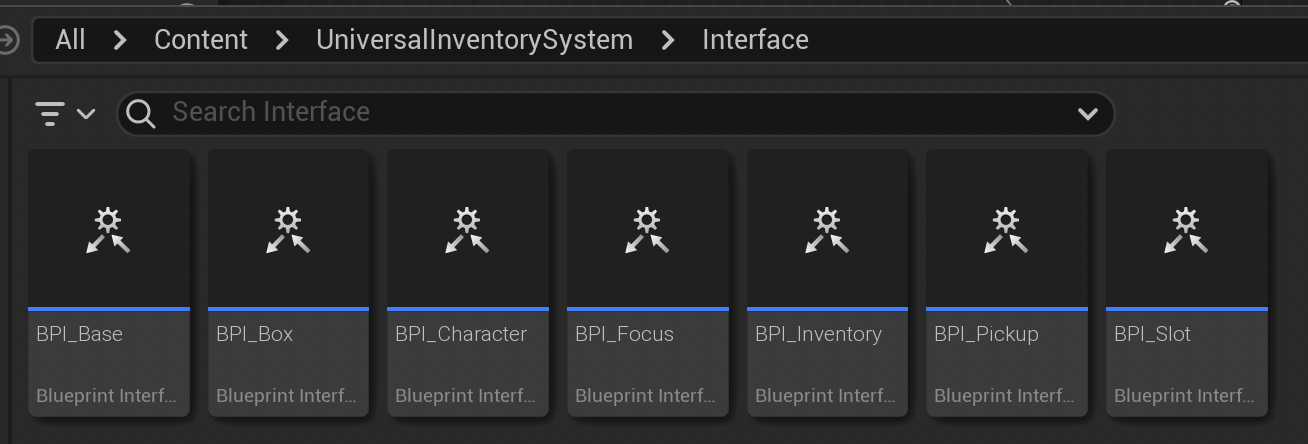
1. Interface - The place for storing interfaces.
- In UIS, interfaces are used instead of `cast to`.
9. Niagara
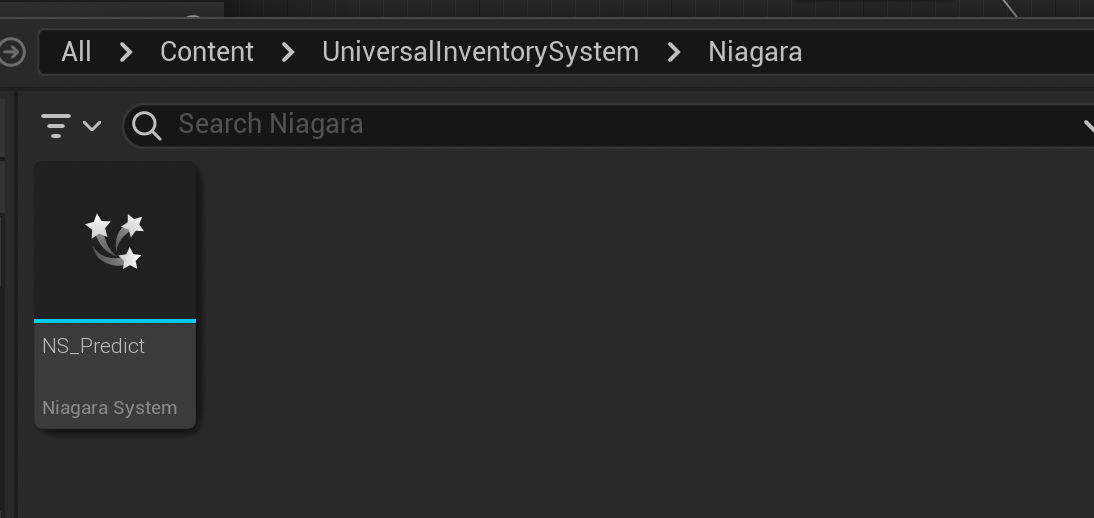
1. Niagara - The location for effects.
- **NS_Predict** is an effect for predictive aiming.
10. Widget
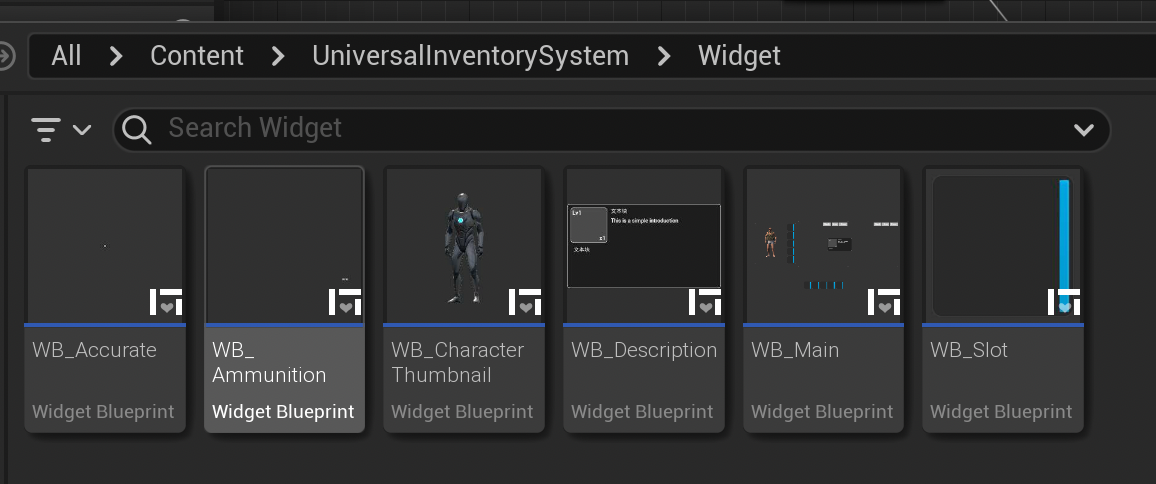
1. Widget - The location for UI elements.
- All drag-and-drop operations are implemented in **WB_Main**, and all equipment slots are in **WB_Slot**.